
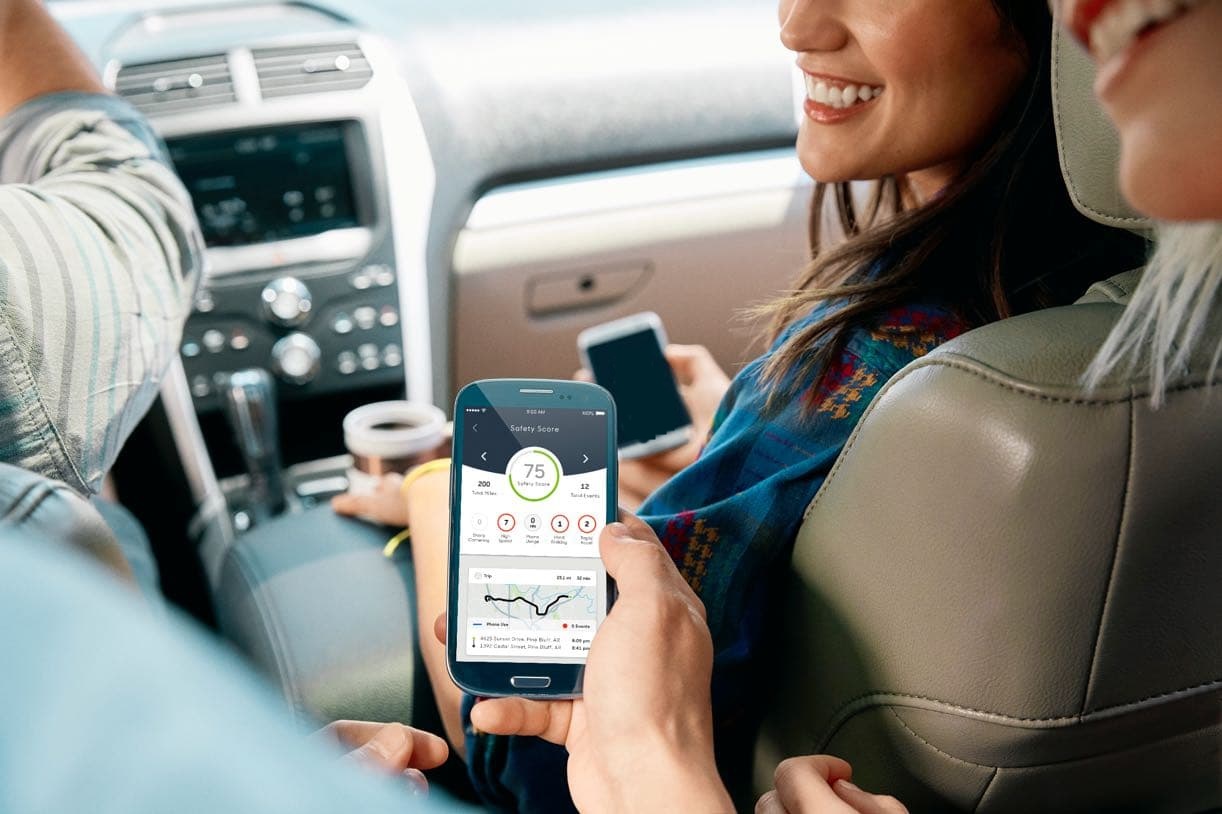
Take the streaming route with Care×. Entertain your passengers and turn your car into a mobile Wi-Fi Hotspot that connects up to 10 devices, allowing them to stream, surf, and game on the road. Your Wi-Fi Hotspot can start as soon as your car does and is powered by Verizon’s nationwide 4G LTE network.
When you drive with Care×, you and your car will be able to be plugged into everything you love from E-books to movies, even video games and (gasp) work emails. That’s right, whether you’re streaming the sweet sounds of the ‘90s in bumper-to-bumper traffic, entertaining the kiddos with a mobile movie theater or uploading your weekly report on the way out of town – the Care× Wi-Fi Hotspot has you covered and connected.
And let the car entertain them. Whether the kids have earned the Wi-Fi password for the day or you just need some silence from the backseat, your Care× Wi-Fi makes it easy to plug into their favorite games, movies, and music.
Turn your car into a concert when you connect to your Care× Wi-Fi Hotspot to stream your favorite playlists, music videos and more
Morning traffic going slow? Have your co-pilot upload the presentation fast and take that conference call from the carpool lane thanks to your Care× mobile Wi-Fi Hotspot.
To utilize my relevant experience, technical expertise, problem solving skills and abilities in an institution that offers professional growth while being resourceful and innovative and educating the next generation of technology users and innovators.
Name Name
You can turn on your Wi-Fi Hotspot right after you turn on your car, and your hotspot stays active for up to 1 hour once your car has been turned off. You can power your hotspot on and off at will, allowing you to control when you and your passengers can access Wi-Fi.
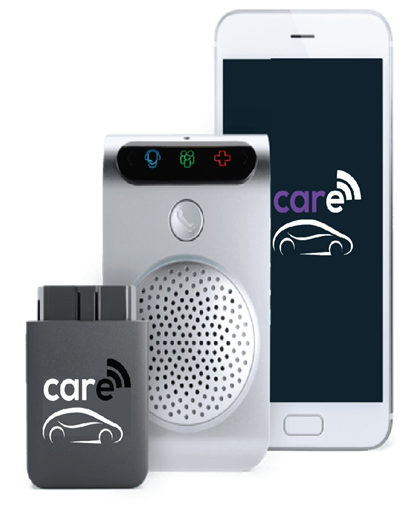
The Wi-Fi Hotspot is powered through the Care× OBD Reader, which plugs into your vehicle’s OBD Port. Looking for your Care× Wi-Fi Network? Connect using the network name and temporary password found on the back of your Care× Speaker. You can use the Care App to change your network name and password at any time.
© Copyright Care. All Right Reserved. | Developed By Babs